

What your operator is
One character on a machine of your own, honest about being an AI, starting with its hands tied, and what the first month actually looks like.
Your operator is not a chatbot bolted onto your website. It is one character, with a name you chose, running on a server that belongs to you, doing real work in the systems your business already runs on.
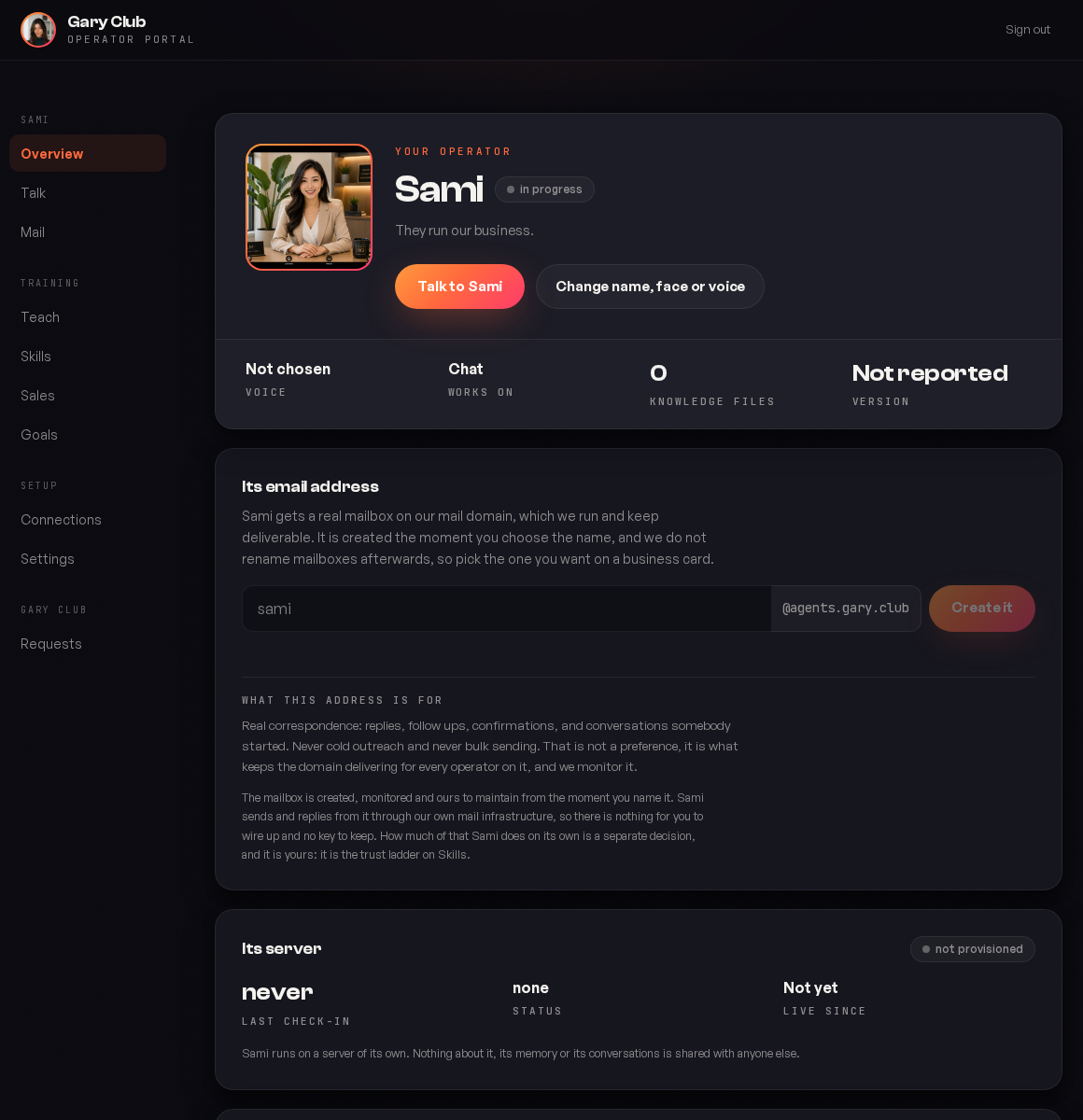
One operator, everywhere
It is the same one in every place it appears. It answers in chat, it writes the email, it picks up the phone, and it is the same character with the same memory in each. There is no separate email bot with its own settings, and nothing you tell it in one place has to be repeated in another.
| Where it shows up | What it is doing |
|---|---|
| Talk, in your portal | Answering you directly, with everything it knows |
| Reading and answering its own inbox | |
| On the phone | Taking and placing calls on your number |
| In your chat tool | In whichever channels it has been invited to |
| In your CRM | Reading records and writing back what happened |
This is why the product is one operator rather than a suite of bots. A customer who emailed on Monday and rings on Thursday is talking to something that remembers Monday.
It is yours, not a seat on ours
Three things follow from that, and they are the reason it is built this way rather than as shared software.
Your data stays on your server
Transcripts, customer records, conversations and its memory all live on the machine running your operator. They are not pooled with another client's, and nobody else's operator can reach them. See where your data lives.
Your keys are yours
When you connect a tool you paste your own credential, so the usage and the bill are yours, and you can revoke it without asking us. See Connections.
Its character is yours
The name, the face, the voice and the way it writes were set in your identity session. They do not drift, and they are not a theme applied over a generic assistant.
It is honest about being an AI
It never pretends otherwise. Asked directly, it says so plainly and warmly, and offers to bring in a person.
That is not a limitation we are apologising for. The whole value is that it is there at three in the morning, remembers every previous conversation, and never lets a real buying question sit unanswered until Monday. Pretending to be human would risk all of that for nothing, and it is the one behaviour we will not tune out on request.
In practice customers mind far less than people expect. What they object to is being handled badly, not being handled by software that is good at its job and says what it is.
It starts with its hands tied
On day one your operator can read, think and draft, and it sends nothing on its own. Every job it can do sits on a three rung ladder and every one of them starts on the bottom rung.
You move them up one at a time, when you have read enough of its work to be comfortable. Nothing moves without you doing it, and if a capability ships after your operator was built it arrives switched off too. See Skills.
What it is good at, and what it is not
| Good at | Not the right tool for |
|---|---|
| Picking a conversation up exactly where it was left | Cold outreach at volume |
| Answering the same question well at 3am and 3pm | Anything requiring a licence or a signature |
| Remembering what a customer said four months ago | Deciding your pricing or your strategy |
| Doing the follow up nobody had time for | Being the only judgement in the room on a large deal |
| Noticing the thing that has gone quiet | Work where being wrong once is unacceptable |
The honest framing: it is a very good, very fast, endlessly patient member of your team who has read everything and never forgets. It is not a replacement for the person who decides what the business does.
What the first month usually looks like
Week one, everything in shadow
Give it knowledge, read what it drafts, correct the patterns. You are calibrating, not launching.
Week two, one job to assisted
Usually email. You approve each one and the approvals get boring fast, which is the signal you want.
Week three, connect the system your business runs on
Usually the CRM, so it stops guessing at who people are.
Week four, first job to autonomous
The one where you stopped reading before approving.
How it is different from the tools you have tried
| A chatbot | A workflow tool | Your operator | |
|---|---|---|---|
| Remembers a customer between conversations | No | Only what you stored | Yes, across every channel |
| Works on email, phone and chat as one thing | No | No | Yes |
| Decides what to do when the situation is new | No | No, it follows the branch | Yes, within what you allow |
| Tells you when it is unsure | Rarely | Not a concept | Yes, and it says what it is unsure about |
| Runs on hardware you own | No | No | Yes |
The workflow comparison is the useful one, because most businesses already have workflows. A workflow does the thing you anticipated. An operator handles the case you did not, and asks when it should.
This is also why the Zapier and n8n connection matters so much: your workflows are good at the anticipated cases and your operator is good at the rest, so the useful arrangement is both rather than either.
What it costs you to run
Beyond the subscription, two things:
The model usage, once you bring your own key
It runs on ours until you connect your own. At any real volume your own account is cheaper and always clearer, because you can see exactly what was spent.
Whatever the connected tools charge
Your phone numbers, your recorder, your ad spend. These are accounts you already have and already pay for.
Bring your own model key before you go live rather than after. Doing it later means a period where the bill is ours and the usage data you would have wanted is not yours.
The questions people ask before they start
This is what the ladder is for. For the first weeks it drafts and you read, so you see how it handles your customers before it handles them alone. By the time anything is autonomous you have read dozens of examples of that exact job.
Yes, whenever it comes up, because it says so plainly. It does not volunteer it in the middle of an unrelated answer, and it never denies it.
It says so and records the question. That list is in Teach and it is the best guide you will get to what your material is missing.
Instantly, and at any level: one job, one conversation, one person, or everything. Nothing requires a support ticket to stop.
It is useful in shadow on day one, because reading good drafts saves you writing them. Autonomous on the first job is usually two to four weeks, and it depends far more on how much you teach it than on anything technical.
Was this page helpful?