

Talk: asking your operator directly
The same operator in a window, five questions worth asking it, and when to correct it here versus teaching it properly.
Talk is a direct conversation with your operator, with everything it knows available to it. It is the fastest way to find out what it thinks, what it has done, and what it is currently allowed to do.
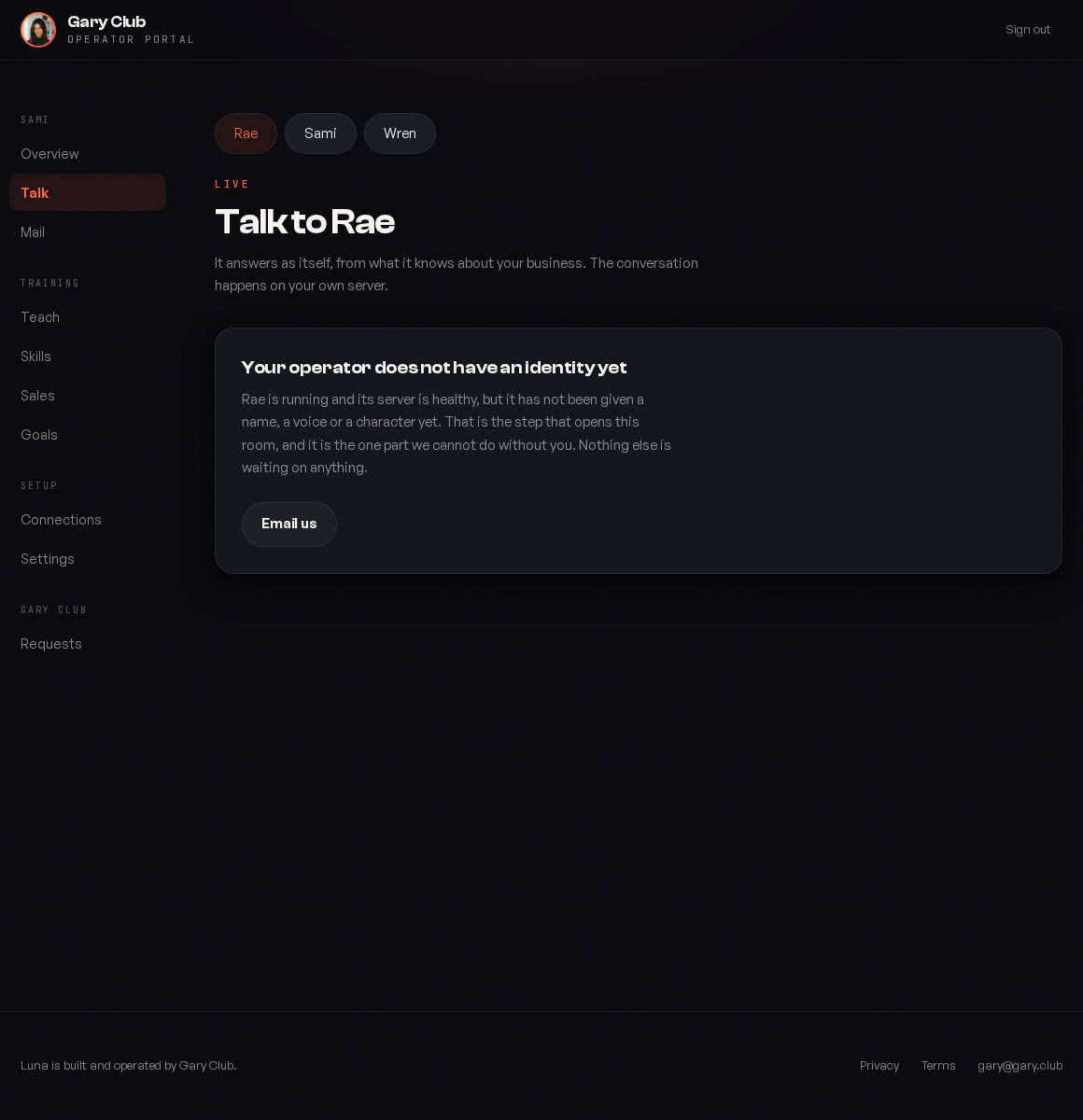
It is the same operator, not a help widget
This is not a support chat bolted onto the portal. It is the operator that writes your emails and answers your phone, in a window. It has the same memory, the same knowledge and the same character, so anything you establish here is established everywhere.
Every person on your team gets their own thread. That is deliberate: two people sharing one conversation reads to the operator as a single person contradicting themselves, and it will try to reconcile positions that were never in conflict.
Five questions worth asking it
It reads its own ladder back to you, job by job, including the ones still in shadow. Faster than the Skills screen when you just want the summary, and it is reading the same source.
What it sent, what it drafted, what it decided not to do and why. If something did not happen, this answer is usually more specific than a log would be.
Give it an email address and it tells you the history: previous conversations, what was agreed, what they were worried about. This is the memory the whole product is built on, and it is worth testing early so you trust it later.
Missing connections, unanswered questions, approvals sitting in assisted. A good way to find the one thing blocking a job you thought was running.
It will explain the reasoning, and if the reasoning is wrong that is a Teach problem rather than a one off correction. Fixing it in Teach fixes it everywhere.
Correcting it here versus teaching it
The difference matters more than it looks.
| If you... | It... | Use it for |
|---|---|---|
| Correct it in Talk | Applies to this conversation and what it remembers about this person | One off facts: this customer moved to a different plan |
| Change it in Teach | Applies everywhere, to everyone, from now on | Patterns: stop offering the discount, always mention the onboarding call |
If you find yourself making the same correction in Talk twice, that is the signal to go to Teach. A pattern corrected conversation by conversation is a pattern that will come back the moment you are not watching.
What it will not do
Pretend to be a person
Asked directly, it says it is an AI, warmly, and offers to bring in a human. This holds on every surface and is not something we will tune out.
Invent a number or a link
If it does not have something it says so. It will not produce a plausible looking figure to fill a gap.
Act on an instruction from a stranger
Something arriving by webhook, or an email from an address it does not know, is information. It is not authorisation, and it never becomes authorisation by being phrased as an instruction.
Getting a better answer out of it
| Instead of | Try |
|---|---|
| Is everything working? | What are you waiting on, and what is stopping each one? |
| Did you email John? | What has happened with John since his call? |
| Why is this not working? | Walk me through what you did with the last three leads. |
| Can you do X? | Are you allowed to do X right now, and if not what would change that? |
The pattern is that specific questions get specific answers because it has the underlying detail. Broad questions get broad answers not because it is being evasive but because that is what was asked.
Things worth doing in your first week
Ask it about a customer you know well
You will immediately see whether its memory is complete, and what is missing is usually a connection rather than a flaw.
Ask it to draft something you were going to write anyway
Compare. That comparison is the fastest read on whether it is ready for a rung change.
Ask it what it does not know
It keeps a list, and it is drawn from real questions rather than your guesses.
Disagree with it
Tell it it is wrong about something and watch what it does. It should ask what the right answer is rather than simply agreeing.
When it says it cannot do something
It is usually one of three things, and they have different fixes.
| It says | Means | Fix |
|---|---|---|
| I am not allowed to do that on my own | A rung | Skills |
| I do not have access to that | A missing connection | Connections |
| I do not know | A knowledge gap | Teach |
Ask which of the three it is. It will tell you, and that saves you looking in the wrong place, which is the usual reason a setup problem takes a week instead of five minutes.
It remembers between sessions
You do not need to re establish context. Coming back a fortnight later and saying what happened with that thing generally works, because it remembers the thing.
Was this page helpful?